


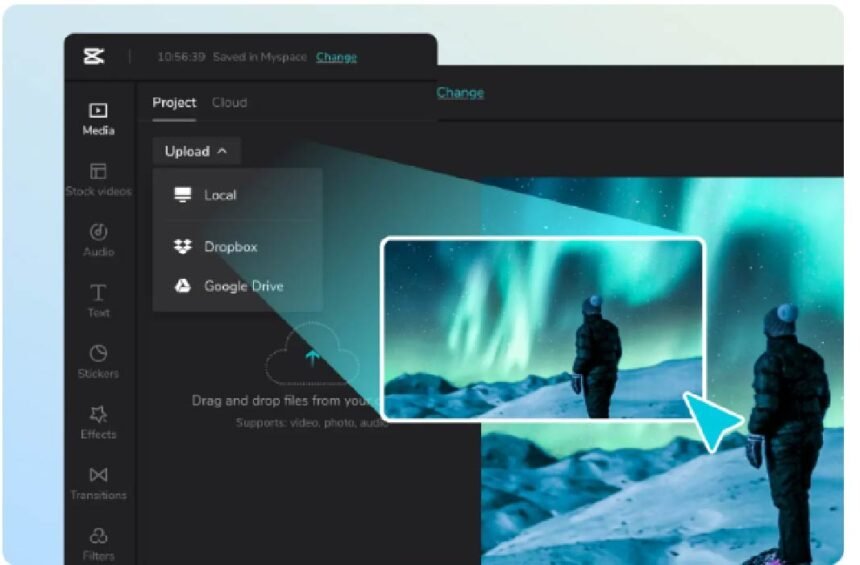
In the digital age, creating quality videos quickly has become more important than ever. Whether you are a content creator, marketer, or student producing multimedia projects, mastering video editing is essential.
However, video production often involves more than trimming clips and adding transitions. Visual elements such as thumbnails, overlays, and graphics can make or break your content. This is where an online image editor comes into play. By using easy-to-use and often free image editing software, you can save time, enhance visuals, and produce professional-looking videos without relying on complex software.
Why You Need to Do More Than Video Editing
Many beginners and even professional video editors focus solely on the timeline. They concentrate on cutting videos, adjusting audio, or adding simple transitions. While these are important, modern videos demand engaging visuals to capture attention.
Custom graphics, color correction, and thumbnails significantly impact how viewers perceive your content. Integrating an online image editor enables editors to create these elements efficiently. For example, generating a thumbnail or a lower-third graphic in a dedicated image editing program is often faster and more accurate than attempting the same tasks within a video editing program.
It also helps maintain a consistent visual style, which is vital for branding and audience retention.
How Online Image Editors and Video Editing Intersect
An online image editor integrates smoothly with your video editing software, creating an efficient workflow. Modern tools such as Canva, Pixlr, and Fotor allow you to design images that can be immediately incorporated into video projects.
You can export high-resolution images, transparent overlays, or animated graphics directly into your video timeline.
For example, if you are creating a tutorial video, designing step-by-step graphics in an image editor and placing them on top of your footage saves production time. This approach ensures your visuals are sharp and professional without leaving your video software.
Optimizing Thumbnails and Visual Branding
Thumbnails are often the first interaction a viewer has with your content and are frequently overlooked. A compelling thumbnail can significantly increase your click-through rates.
Online image editors provide templates, text effects, and visual effects that make thumbnails stand out. You can experiment with colors, fonts, and layouts without needing advanced graphic design skills.
Creating high-quality thumbnails consistently not only makes your videos look professional but also attracts more viewers.
Creating Graphics and Overlays for Faster Editing
Modern video content heavily relies on graphics and overlays, particularly on platforms such as YouTube, Instagram, and TikTok. These elements may include animated logos, lower-thirds, or social media handles.
Although some video editing software allows you to create these elements from scratch, it can be time-consuming. Using an online image editor lets you design and export elements quickly, which can then be imported into your video timeline. This approach reduces the time spent on editing while maintaining high-quality visuals.
Image Adjustments and Color Correction
Color correction is a key factor in video quality, but manually editing every element can be tedious. An online image editor allows you to prepare static elements such as images or backgrounds with the correct color balance before adding them to your video.
By adjusting saturation, brightness, and contrast in advance, your visuals remain consistent and professional. This reduces the need for repetitive edits in your video editing software and ensures a polished final product.
Affordable and Accessible Solutions
Not every creator can afford expensive programs such as Adobe Photoshop or After Effects. Online image editors provide free or cost-effective alternatives that work on any device.
They require no installation and are intuitive for beginners while offering advanced features for professionals. Incorporating these tools into your video editing workflow allows anyone to produce high-quality videos, regardless of budget.
Selecting the Best Online Image Editor for Video Projects
When choosing an online image editor, consider usability, compatibility, and available features. Canva is ideal for templates and text-based designs. Pixlr offers advanced editing capabilities similar to desktop software. Fotor provides simple drag-and-drop functionality for quick overlays and effects.
The key is to select a platform that complements your video editing style and speeds up your workflow without compromising quality.
Tips to Maximize Efficiency
Combining video editing and image editing efficiently starts with planning. Align your graphics with your video timeline to avoid last-minute design work. Create reusable templates for recurring elements such as logos, lower-thirds, or social media icons. Use consistent colors and fonts across images and videos to strengthen your brand identity.
This approach reduces production time, ensures visual consistency, and enhances the overall quality of your content.
Conclusion
Integrating an online image editor into your video editing workflow is essential for efficiency, creativity, and professionalism. From designing thumbnails and overlays to preparing color-balanced images, these tools save time while improving visual appeal.
By leveraging both video editing software and online image editors, creators can produce high-quality content without a steep learning curve or expensive software.
For students, marketers, or full-time content creators, mastering this integration provides a competitive advantage in the crowded digital space. Using online image editors is one of the smartest strategies to optimize workflow, improve branding, and elevate video quality.
FAQs
How can an online image editor help speed up video editing?
Online image editors allow you to create thumbnails, overlays, and graphics quickly. Designing visuals separately saves time when incorporating them into your video timeline.
Do I need advanced skills to use an online image editor?
No. Most online editors are designed for both beginners and professionals. Templates, drag-and-drop tools, and intuitive interfaces make it easy to create quality visuals without prior experience.
Can I use free online image editors for professional video projects?
Yes. Many free tools provide robust features suitable for professional use. Platforms like Canva, Pixlr, and Fotor offer templates, effects, and export options compatible with video editing software.
Which online image editor works best for video graphics?
It depends on your needs. Canva is great for templates and text-heavy designs. Pixlr is ideal for advanced image editing. Fotor works well for quick edits and overlays.
Will using an online image editor affect video quality?
When used correctly, online image editors enhance video quality. Exporting images in high resolution and maintaining consistent colors ensures professional results.